
Johnson County Court Calendars Explained
No single countywide calendar covers every case setting. Start with Kansas CaseSearch, open the public case, and scan its events or register of actions for the next setting. A hearing notice may carry fresher instructions. The courthouse terminal can also display public information that never makes it online. Records and division staff offer one more route. Each city court keeps its own municipal calendar, so a city citation may never surface in the District Court result.
Four Johnson Court-Date Sources
Check whichever source belongs to the court that owns the matter. The statewide portal is convenient. Still, it is just one link in the access chain.
| Source | Use |
|---|---|
| CaseSearch | Public District Court events and settings. |
| Hearing notice | Case-specific date, place, and appearance instructions. |
| Courthouse terminal | Public information not exposed on the internet. |
| Assigned division | Current confirmation from the coordinator or assistant. |
| Municipal calendar | City ordinance and citation settings. |
The county phone directory lists judges, courtrooms, assistants, and direct numbers. Once the case reveals the assigned division, that directory is the next stop.
Finding Your Court Date
Have the case number, party name, and court level in hand. For District Court matters, work the documented channels in order. A blank portal is never the final answer.
- Open CaseSearch, accept the notice, and select District.
- Search the full case number or party name.
- Read events for the date, time, and setting type.
- Compare the latest hearing notice.
- Call the assigned division or the relevant clerk desk.
- Use the courthouse public terminal or counter if needed.
- For a city matter, check that municipal court’s calendar.
Records Management answers at 913-715-3480. Division lines cover criminal at 913-715-3460, civil at 913-715-3400, probate at 913-715-3370, juvenile at 913-715-3380, and traffic at 913-715-3470. Need a specific setting confirmed? Call the assigned coordinator.
Johnson Court-Date Assignments Change
The District Court home page posted a notice about docket reassignments effective June 1, 2026. An old notice may name a judge or courtroom that no longer matches the assignment. Search the current case and check the live Johnson County phone directory before calling.
The directory lists twenty-two district judge divisions and four magistrate divisions. A division number marks an assignment. It does not tell you every type of hearing held there. So confirm both the division and the event type.
That matters most after a reassignment. Write down the current division, courtroom, judge, event label, and the time you checked. A mailed notice may clash with a newer Johnson County docket entry. Call the listed coordinator. Staff can confirm logistics. They cannot give legal advice or bless skipping an appearance.
Format is the judge's call too. The assigned judge controls whether a hearing is in person or virtual. That is what the court home page says. A Zoom link on an old notice never overrides a later in-person setting. Follow the most recent direction and ask the division when the format is unclear.
How to Read a Court Setting
A setting is simply a scheduled court event, and it is not always the trial date. Status, motion, arraignment, compliance, diversion, sentencing, and warrant matters can each show up as their own settings.
| Date | The scheduled day, subject to later reset or continuance. |
|---|---|
| Time | The call time for that event, not general building hours. |
| Courtroom | The assigned room or virtual location. |
| Judge or division | The office responsible for current confirmation. |
| Setting type | The purpose, such as motion, status, plea, or trial. |
| Appearance mode | In person or Zoom as directed by the judge. |
A register-of-actions entry may say less than the notice itself. Read both. If they conflict, contact the division.
Johnson Virtual Hearing Control
The assigned judge decides in person or virtual. Johnson County says its virtual hearings run on Zoom. One remote appearance does not guarantee the next one will be remote, and a docket label alone never implies a meeting link.
Quick answer: Follow the newest notice from the assigned court. Call that division if the appearance mode is missing or inconsistent.
Building hours are not hearing times. The courthouse is generally open 7:00 a.m. to 5:30 p.m., while clerk, Self Help, and Records counters serve the public 8:00 a.m. to noon and 1:00 to 4:30 p.m. Check holidays and security rules before you go.
Continuances, Resets, and Cancellations
A continuance or reset simply moves an event to a new date. It does not dismiss the case or wipe out earlier filings. The new entry can post after the original notice. Read the event history in date order. Follow the latest instructions.
District traffic works differently. The county says a first appearance generally allows one 90-day continuance. Requests are due 48 business hours ahead. That rule does not govern criminal, civil, or municipal settings, since each court controls its own calendar.
A requested change may be pending. Keep treating the existing setting as active until the court confirms otherwise.
Johnson Court Calendar M2 Blocks
Magistrate Division M2 handles criminal and domestic-violence first appearances. The directory posts criminal first appearances at 1:30 p.m. and domestic-violence first appearances at 2:00 p.m. A traffic contact line, 913-715-3323, is listed as well.
Treat those blocks as context, not guarantees. Schedules move. Identify the case and call before relying on a posted time, because a later assignment can shift the next event to a different criminal division.
An M2 block is only the start of a Johnson County criminal case. Motion, status, plea, trial, disposition, and sentencing settings often move to an assigned district division. Read the event label, not just the clock. Calling M2 about a later division setting sends your question to the wrong calendar.
If You Miss a Court Setting
Move fast. Open the register of actions, read any notice you received, and call the assigned court about the missed Johnson County setting. The clerk cannot erase a missed date or casually hand you a new one, and the judge alone decides the response and any rescheduled court date.
Missed-setting caution: A failure to appear can lead to a warrant or other consequences, especially in traffic and criminal matters. Contact the court directly rather than waiting for the web page to change.
For district traffic, the official instructions are blunt: the clerk cannot simply reschedule a missed appearance. A city ticket is different, since that matter belongs to the municipal court that issued it, not to the county traffic desk.
Johnson Municipal Calendar Examples
City calendars prove that no single county list covers everything. Olathe publishes weekday blocks. They cover arraignment, trial, compliance, diversion, sentencing, warrant, virtual, animal, and expungement matters. Lenexa goes through a vendor calendar. It lists date, time, docket, courtroom, judge, and a View Cases link. Shawnee built its own separate path. The official Shawnee Municipal Court source lays out that city's arraignment docket on its municipal page.
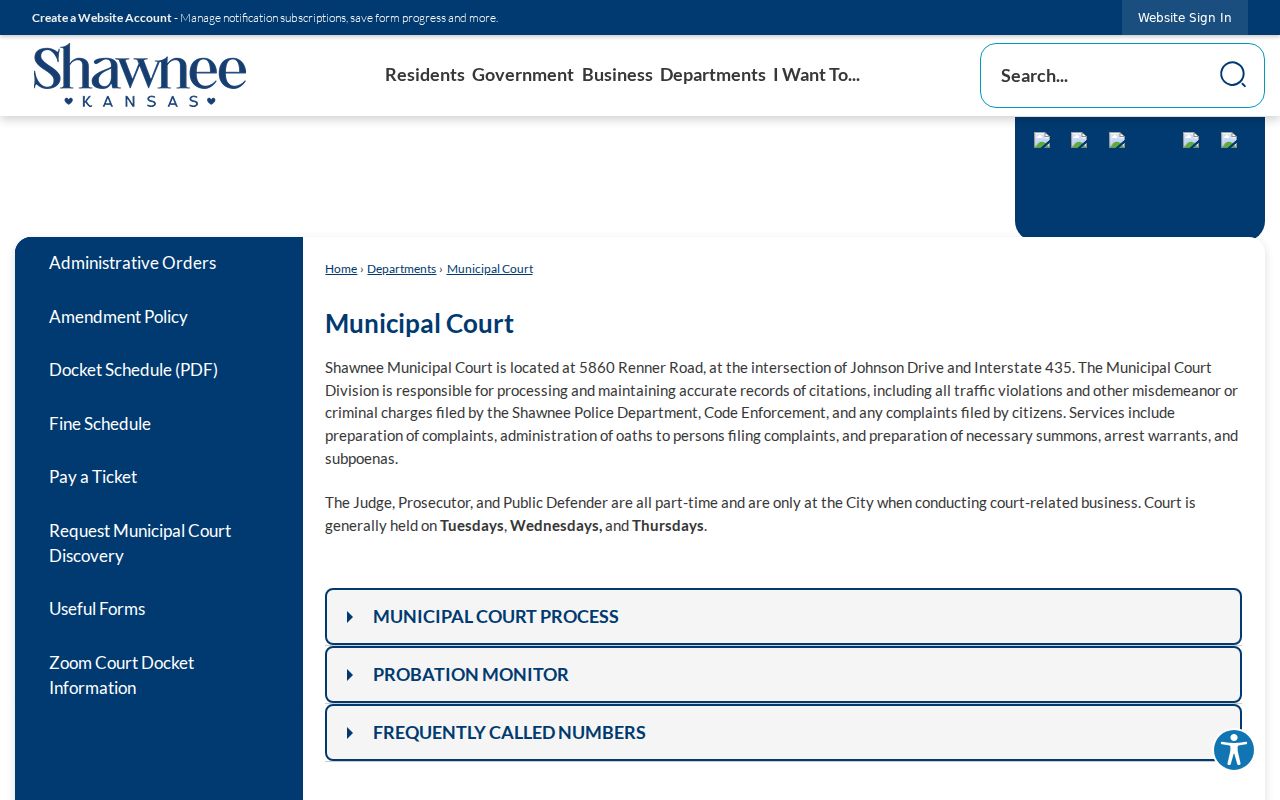
City ordinance cases and city tickets go through the city clerk. District Court takes over once a municipal appeal has been filed. The same is true for a state-law matter.
Olathe's published schedule shows how many calendar labels exist. Arraignment, compliance, diversion, sentencing, warrant, virtual, animal, and expungement blocks are not interchangeable. Lenexa's table adds a docket name, courtroom, judge, and a case-view control. Shawnee routes arraignment information through its own Municipal Court. These are three distinct city calendar systems. They are not alternate mirrors of the Johnson County District Court calendar.
Start with the agency named on the citation or notice. A city name points to its municipal clerk. A Johnson County District Court case number points to the 10th Judicial District. So does a state-law prosecution. If a municipal appeal is filed under K.S.A. 22-3609, a new District Court record supplies every county setting from that point forward.
Johnson Calendar Terms in Context
A register-of-actions event and a calendar setting are related but not identical. The register is the dated history of everything filed in the case. A setting is just one scheduled event inside that history. An order is the judge's directive. A journal entry is the formal written record of a ruling or judgment. Keep these straight. It stops a short event label from being mistaken for the full decision in a Johnson County court docket.
Some common labels carry distinct meanings. Arraignment or first appearance marks an early stage. A pretrial or status conference manages the case before trial or disposition. A motion hearing addresses a request for an order. It is not a ruling on the merits. Sentencing follows a conviction or plea in a criminal matter. Compliance and diversion settings show up on municipal calendars for their own purposes. Whatever exact label the court uses should control.
FTA means failure to appear. A warrant or bench-warrant entry can follow a missed setting, though its public display varies. Never infer current status from an old event alone. Contact the court that entered it. A reset is not an outcome either; it only shows the hearing moved.
Keep the latest notice and note when you checked the portal. If the case page changes later, the new entry may resolve the conflict. If it does not, the assigned division can help. It can compare the live calendar against the public record.